
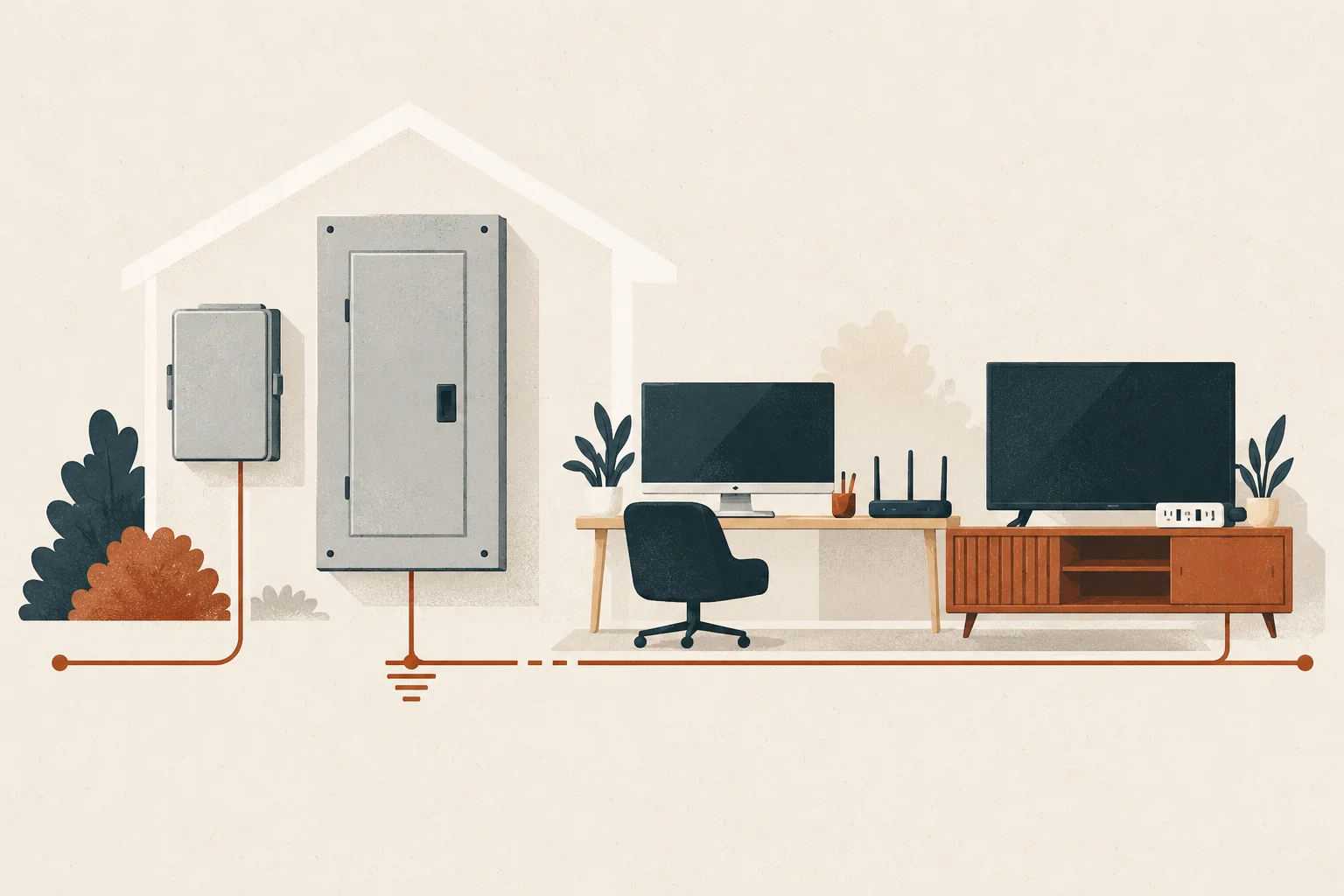
Whole-home surge protection adds an upstream defense for electronic equipment on many household circuits at once. That is useful for computers, televisions, routers, game systems, smart-home controls, and other devices spread throughout a house. Its biggest benefit is coverage breadth: it does not depend on every item being connected to its own plug-in protector.
It is still only one layer. A whole-home surge protective device (SPD) cannot prevent every failure, supply backup power, correct sustained voltage problems, or protect a signal cable that bypasses the protected power path. The strongest plan coordinates a compatible Type 1 or Type 2 SPD with carefully chosen point-of-use protection, sound grounding and bonding, and battery backup where orderly shutdown matters.
Affiliate disclosure: Surge Protection Experts may eventually earn compensation from qualifying product links. No affiliate link is active in this draft. Electrical fit, certification, instructions, and protection role—not commission—should determine any recommendation.
Why connected electronics need a system plan
The typical electronics setup is no longer one television plugged into one outlet. A home office may combine a computer, monitor, printer, network switch, modem, and external storage. An entertainment area may connect a TV, receiver, console, streaming device, coaxial line, and Ethernet cable. Smart-home systems add hubs, cameras, doorbells, lighting controls, and equipment controllers in several rooms.
Those connections create two planning challenges:
- There are many powered devices to cover. A panel- or service-level SPD provides a common upstream layer rather than leaving protection to a patchwork of strips.
- Electricity can reach a system by more than its AC plug. Coaxial, telephone, antenna, Ethernet, or other conductive connections may form separate paths. A protector helps only with conductors routed through inputs it is designed and listed to protect.
This is why a whole-home SPD is best understood as the foundation of a protection system, not a force field around every circuit board.
What the whole-home layer adds
Broader circuit coverage
A correctly selected Type 1 or Type 2 SPD is connected at or near service or distribution equipment. It responds to brief overvoltage transients and diverts or limits part of that energy before it travels farther into the home’s wiring.
That upstream position helps cover ordinary receptacle circuits as well as electronic controls embedded in equipment that cannot use a consumer surge strip. It also supports devices that homeowners may forget to protect individually, such as smart switches, built-in audio, security controls, garage-door electronics, and connected appliances.
One maintainable protection point
Many current whole-home devices provide visual status indicators. The exact meaning varies by model, so the owner should keep the instructions and record the normal state. A visible, documented protection point is easier to include in seasonal checks and post-event inspections than a collection of forgotten strips behind furniture.
Status does not prove that every downstream path is protected or that connected equipment is healthy. It tells the homeowner what the manufacturer designed that indicator to report.
A first stage for larger incoming transients
Point-of-use devices have an important role, but they should not be asked to form the entire house strategy. An upstream SPD can limit energy before it reaches branch circuits; a suitable downstream device can then provide another stage close to selected electronics. ESFI describes Type 3 point-of-use protection as an additional layer used with Type 1 or Type 2 protection.
Protection for dispersed smart-home devices
Smart-home equipment may be installed at switches, thermostats, doorbells, cameras, access points, appliances, and controllers. Some items have no practical plug-in protector. Whole-home protection creates a shared electrical layer for this dispersed system, while equipment-specific and signal-path protection can address the remaining gaps.
Benefits by electronics setup
Home office
For a computer, monitor, storage device, printer, and networking gear, a whole-home SPD reduces reliance on a single desk strip. A listed point-of-use surge protector may add a local stage. A UPS may be valuable when a short outage or abrupt shutdown could interrupt work or corrupt data.
A UPS and an SPD solve different problems. Battery backup provides temporary power; surge protection addresses fast transients. If a UPS includes surge protection, evaluate both functions and follow its load, battery, replacement, and connection instructions.
Television and entertainment system
An entertainment system often has several interconnected devices and at least one signal connection. The whole-home SPD supports the AC circuits. A certified point-of-use protector can provide a local layer for appropriately rated equipment, but it does not automatically cover coaxial, antenna, or Ethernet conductors.
Avoid routing a signal through an incompatible accessory simply to check a box. Confirm service compatibility, bandwidth, connector type, and installation instructions. Satellite, cable, antenna, and internet providers may have specific requirements.
Modem, router, and home network
Network equipment matters even when it is inexpensive because its loss can disconnect work, security, and smart-home services. Prioritize the modem or optical network terminal, router, core switch, and access points according to how the service enters the home.
Fiber itself is nonconductive, but power supplies and other connected conductors still matter. Copper Ethernet, coaxial, telephone, outdoor cameras, and antennas need path-specific review. Do not improvise grounding connections or assume an AC-only strip protects data ports.
Smart-home and security devices
Hubs and base stations can often use a suitable point-of-use layer. Hardwired controls, doorbells, cameras, and distributed switches depend more heavily on upstream and equipment-specific protection. Battery backup may keep selected hubs or network equipment running briefly, but it does not guarantee that cloud services, internet access, or every endpoint will remain available.
Where point-of-use protection still matters
A whole-home SPD does not make Type 3 devices unnecessary. UL notes that an ordinary power strip and a surge protector are not the same: the product needs explicit surge-protection capability and appropriate certification. For connected electronics, check:
- a recognized certification or listing for the intended product type;
- the electrical rating and total connected load;
- the manufacturer’s suppressed-voltage or VPR information where provided;
- a visible protection-status indicator and clear replacement instructions;
- cord condition, placement, and ventilation;
- enough receptacles without daisy-chaining; and
- compatible signal protection only when the system actually needs it.
Never place a strip under a rug, use a damaged cord, defeat grounding, or connect one relocatable strip to another. More outlets do not increase the branch circuit’s capacity.
Use whole-home vs plug-in surge protectors for a direct comparison of the two layers.
What whole-home surge protection does not do
An honest electronics plan keeps these limits visible:
- No guarantee against all lightning effects. Ordinary SPDs are not a complete lightning-protection system and should not be marketed as direct-strike immunity.
- No backup power. An SPD does not keep a computer, router, or television running during an outage.
- No correction of sustained abnormal voltage. Long-duration high or low voltage, an open neutral, faulty wiring, or utility problems require diagnosis and different equipment.
- No automatic signal-line coverage. AC protection does not extend to coaxial, telephone, antenna, or data connections unless a compatible device protects that path.
- No substitute for grounding and bonding. Protection performance depends on the electrical system and installation conditions.
- No permanent status assumption. Protective components can degrade or reach end of life; indicators and manufacturer guidance need to be checked.
If lights stay unusually bright or dim, electronics repeatedly reset, breakers trip, or you notice heat, odor, buzzing, or damage, stop treating the issue as a product-selection question. Contact the utility or a qualified electrician as appropriate.
How to prioritize without overbuying
Inventory systems rather than individual gadgets. Start with the equipment whose loss would have the greatest consequence:
- home-office and data systems;
- modem, router, and core network equipment;
- security, access, and essential smart-home controls;
- expensive entertainment systems; and
- devices connected to more than one conductive path.
For each system, write down its AC connection, signal/data connections, need for shutdown time, and current protection. This reveals real gaps without encouraging a protector on every small charger.
Then ask a qualified electrician to confirm that the proposed whole-home SPD matches the system voltage, phase, configuration, short-circuit conditions, enclosure, installation location, and manufacturer instructions. Our whole-home SPD selection guide explains those compatibility questions.
A practical layered checklist
- Confirm whether a compatible whole-home SPD is already installed and what its normal indicator state means.
- Keep the model, instructions, installation date, and electrician’s handoff notes.
- Use certified point-of-use surge protection for appropriate electronics—not an unmarked basic power strip.
- Map coaxial, telephone, antenna, Ethernet, and outdoor-device paths.
- Use a suitably sized UPS where temporary runtime or orderly shutdown matters.
- Do not overload, daisy-chain, conceal, or continue using damaged plug-in devices.
- Check accessible status indicators after a known electrical event and on the manufacturer’s schedule.
- Reassess when adding a home office, theater, security system, outdoor network equipment, solar, storage, or EV equipment.
Bottom line
The chief benefit of whole-home surge protection for electronics is coordinated breadth: one compatible upstream device supports many circuits and devices, including equipment that a plug-in protector cannot reach. The benefit becomes stronger—not redundant—when selected electronics also receive an appropriate local layer and critical equipment has the right battery-backup plan.
Build from the electrical system outward, account for every conductive path, and keep expectations realistic. For refrigerators, laundry, cooking equipment, and HVAC, continue with our separate surge protection guide for home appliances.
Sources and methodology
- NIST — Surges Happen! How to Protect the Appliances in Your Home
- UL Solutions — Guide to Power Strips and Surge Protectors
- UL Solutions — Power Strips Testing and Certification
- Electrical Safety Foundation International — Surge Protection
- Electrical Safety Foundation International — Power Outages
This article uses standards-industry, government, and electrical-safety sources to explain protection roles. It does not assess a specific home, promise damage prevention, or replace current product instructions and qualified electrical work.